FinLab DesktopmacOS · Windows · Linux
Turn Claude Code into your quant researcher
Connect your own Claude Code or Codex. It writes strategies and runs backtests on your computer.
Works on every plan
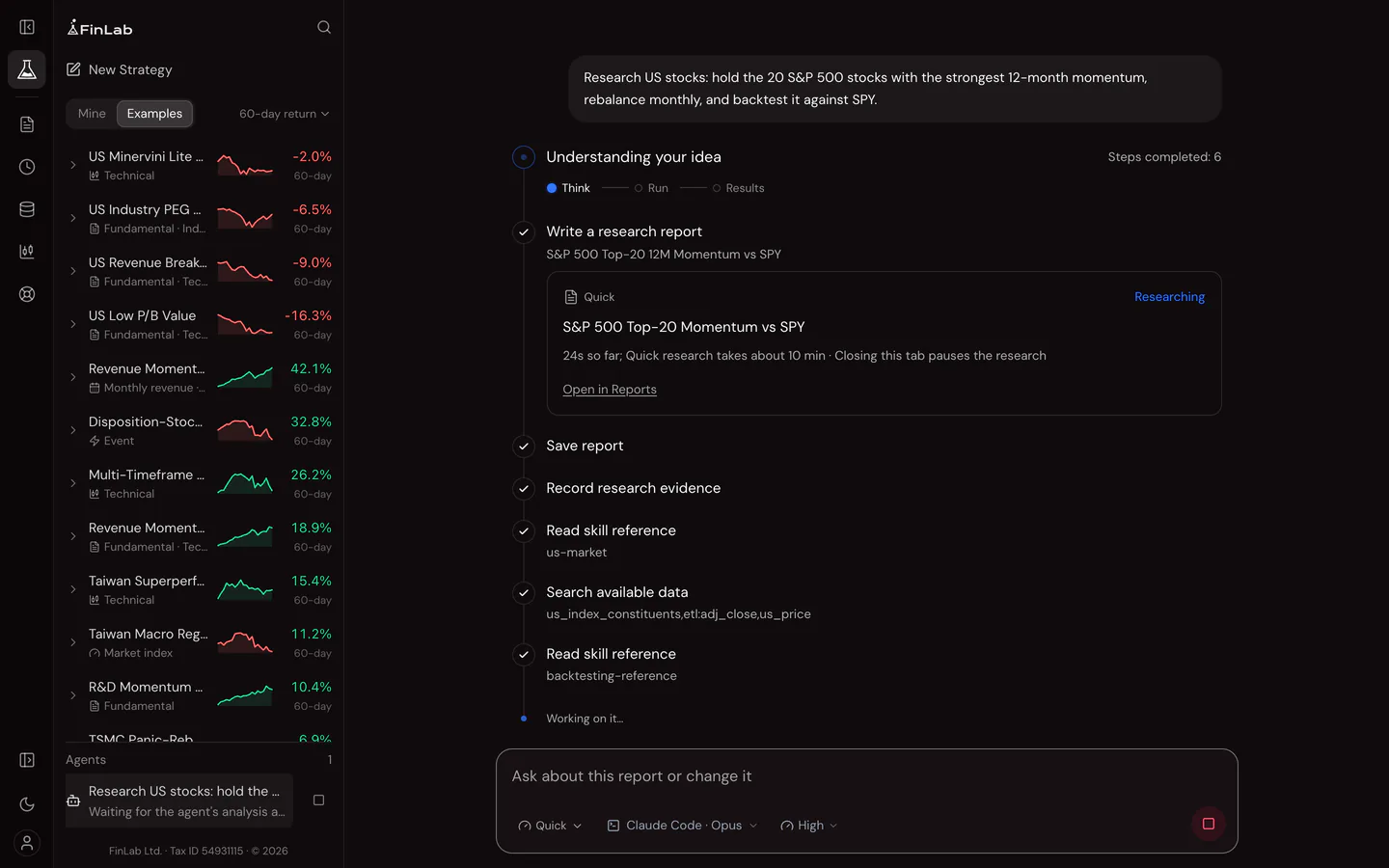
- 1Install the app
- 2Sign in to FinLab
- 3Connect Claude Code or Codex
Read the complete desktop guide
Installation and setup
Install the app, sign in with the same FinLab account, then select Claude Code or Codex from the model list and follow the setup instructions.
Python is installed automatically and strategies sync with the web app. AI usage is subject to your connected account’s plan.
Not sure which Mac version to choose? Open About This Mac from the Apple menu and check for an Apple M-series chip or Intel processor.
Linux: with Ubuntu 23.10 and later's default settings Chromium's sandbox cannot run, so FinLab starts without it and a compromised page process could reach your files. The first launch shows how to restore it with an AppArmor profile.
Long research / local schedules: keep your computer awake
Before starting, plug in your computer, keep Studio open and leave your laptop lid open. Adjust the settings below; restore your usual power-saving settings when finished.
- Windows
- Windows 11: Settings → System → Power & battery (or Power) → Screen, sleep & hibernate timeouts. Set sleep on plugged-in power to Never; also set automatic hibernation to Never if available. Windows 10: Settings → System → Power & sleep → Sleep → Never when plugged in. Microsoft settings guide
- macOS
- MacBook: System Settings → Battery → Options → enable “Prevent automatic sleeping on power adapter when the display is off”. Desktop Mac: System Settings → Energy → enable “Prevent automatic sleeping when the display is off”. Names may vary by version or model. Apple settings guide
- Linux
- Ubuntu / GNOME: Settings → Power → Automatic Suspend → turn off automatic suspend on plugged-in power. In other desktop environments, disable automatic sleep / suspend when idle in power management. Ubuntu settings guide
The display can turn off while the computer stays awake. Do not manually select sleep or hibernate.